Handling Missing Data and Categorical Features
By: Bindeshwar Singh Kushwaha
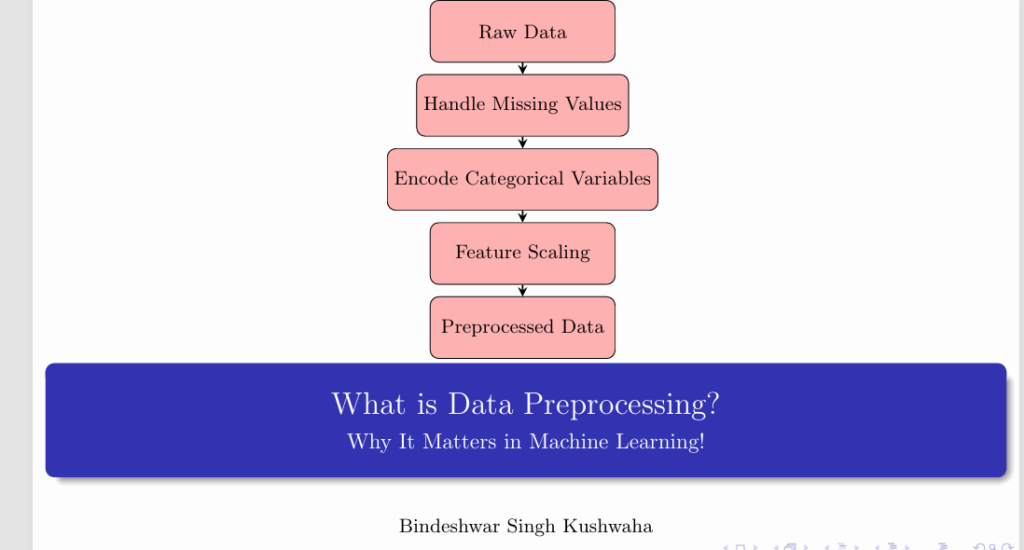
Data Preprocessing Flow
- Raw Data → Handle Missing Values → Encode Categorical Variables → Feature Scaling → Preprocessed Data
Overview of Data Preprocessing
- Load Titanic dataset from CSV file
- Handle missing values using various techniques
- Encode categorical data for machine learning
- Save the cleaned dataset to a new CSV file
Step 1: Load the Titanic Dataset
import pandas as pd
df = pd.read_csv('titanic.csv')
Step 2: View the First Few Rows
print(df.head())Use df.head() to preview the dataset structure.
Step 3: Checking for Missing Values
print(df.isnull().sum())This helps identify missing data in columns.
Step 4: Handle Missing Values
df['Age'].fillna(df['Age'].median(), inplace=True)
df.dropna(subset=['Embarked'], inplace=True)
Fill missing Age values with median, drop rows with missing ‘Embarked’.
Step 5: Verify Missing Values
print(df.isnull().sum())Ensure no missing values remain.
Step 6: Data Overview
print(df.describe())Summary statistics for numerical columns.
Step 7: Encoding Categorical Data
df['Sex'] = df['Sex'].map({'male': 0, 'female': 1})Convert gender into numerical form for model compatibility.
Step 8: Save the Cleaned Dataset
df.to_csv('cleaned_titanic.csv', index=False)Store the cleaned data for future use.
Python Libraries Used
- pandas – Data manipulation
- numpy – Numerical operations
- scikit-learn – Machine learning preprocessing tools
Video
Reach PostNetwork Academy
- Website: www.postnetwork.co
- YouTube: youtube.com/@postnetworkacademy
- Facebook: facebook.com/postnetworkacademy
- LinkedIn: linkedin.com/company/postnetworkacademy
- GitHub: github.com/postnetworkacademy